Geco
Author
Application user guide
Add new device
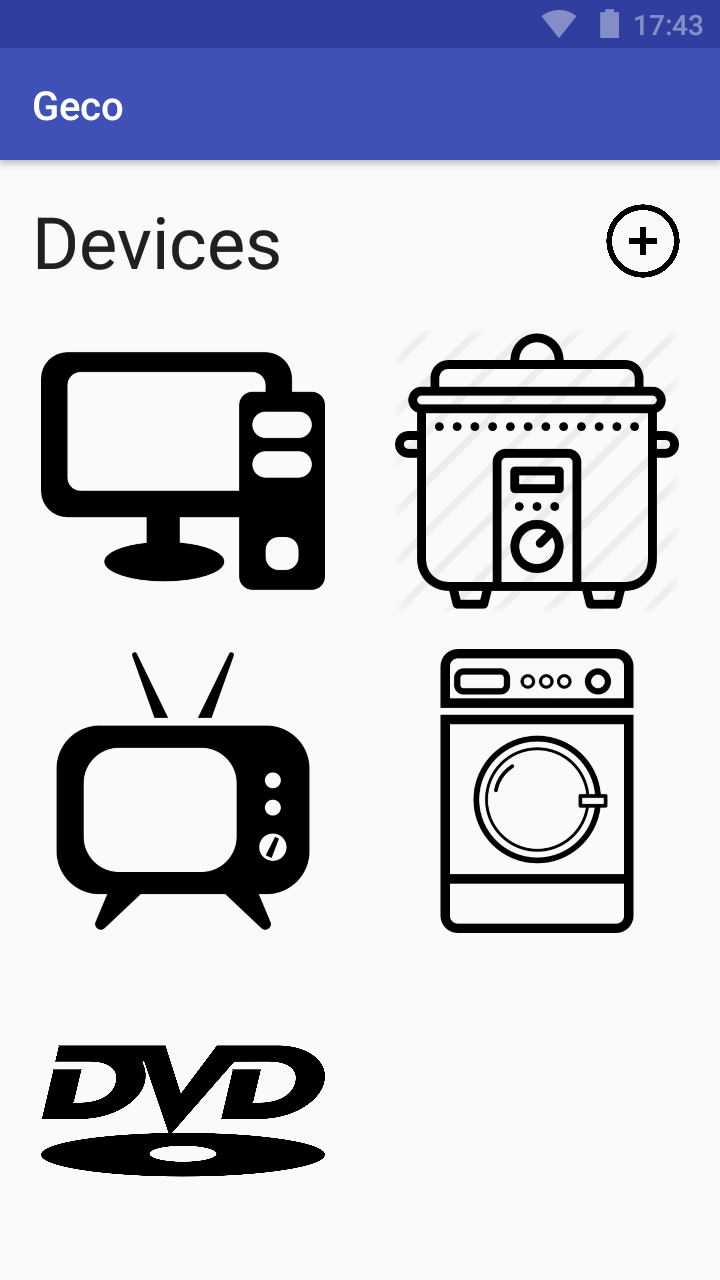
To add a new device, the first step is to click in the "+" button on the top right corner of the main screen.
The next step is to choose one device from the list of available devices.

To end the process, the last step is to click on the "add" button.
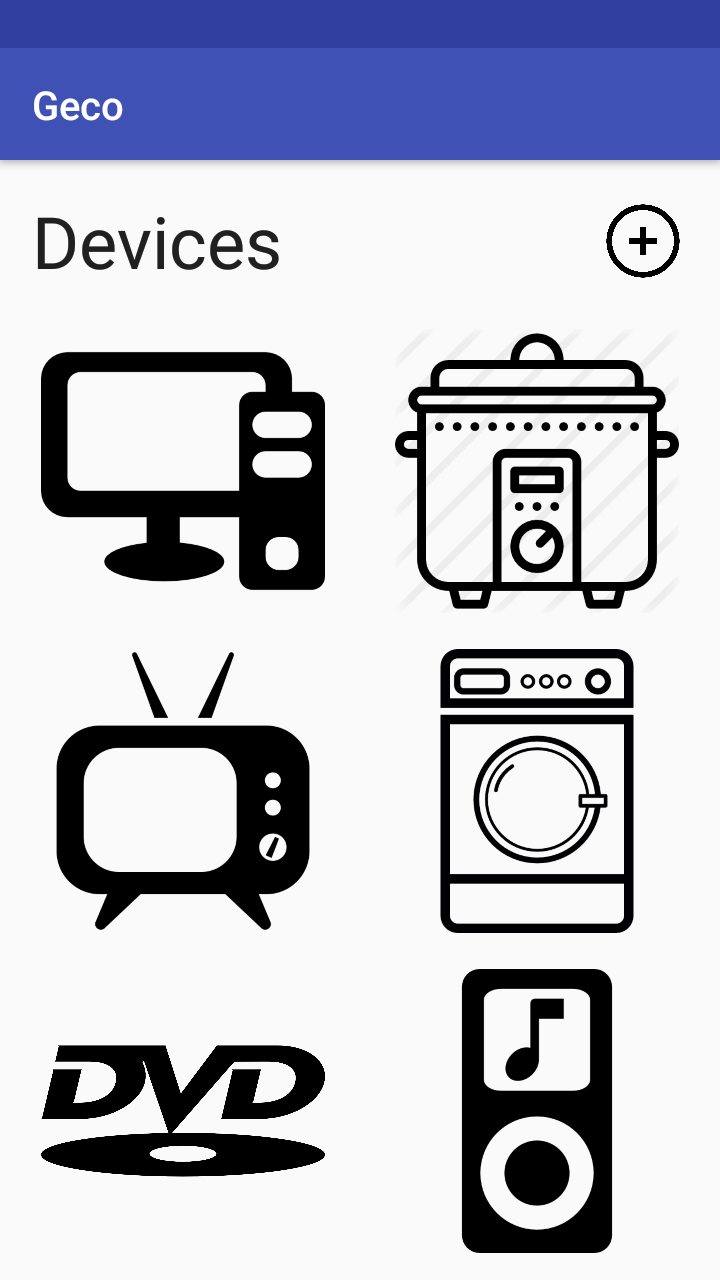
The new added device should now appear on the main screen.
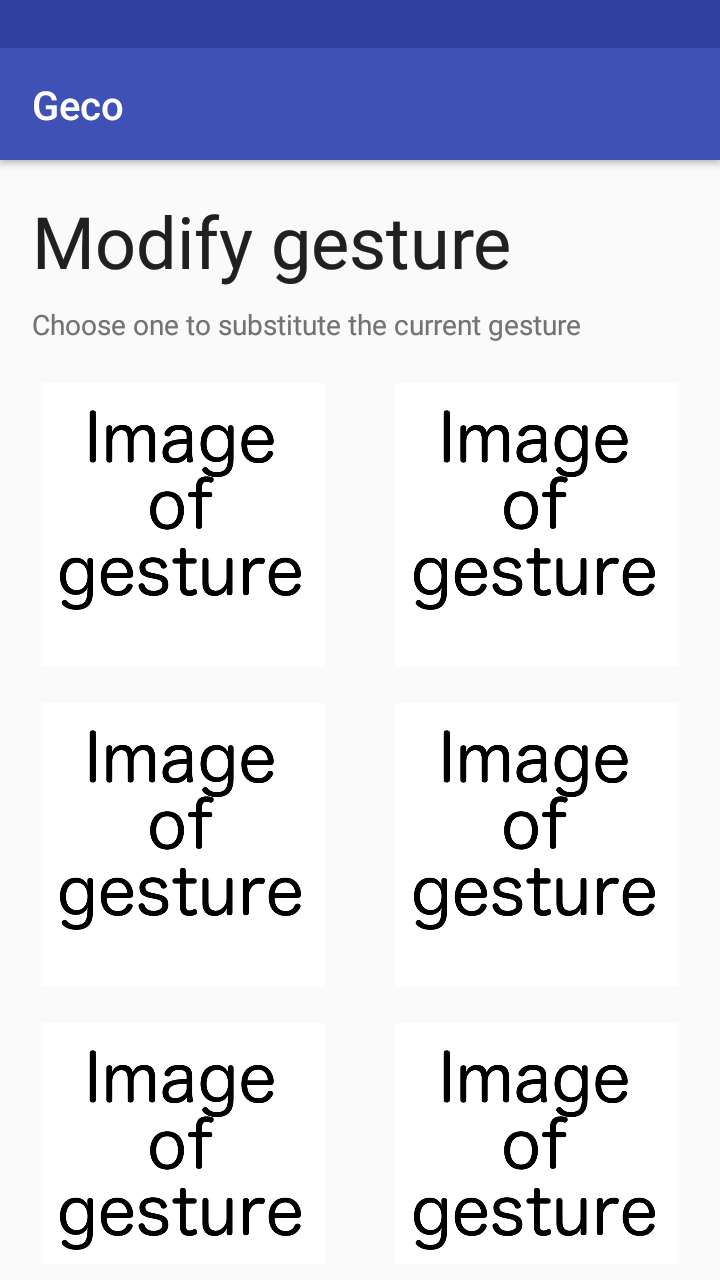
Modify gesture
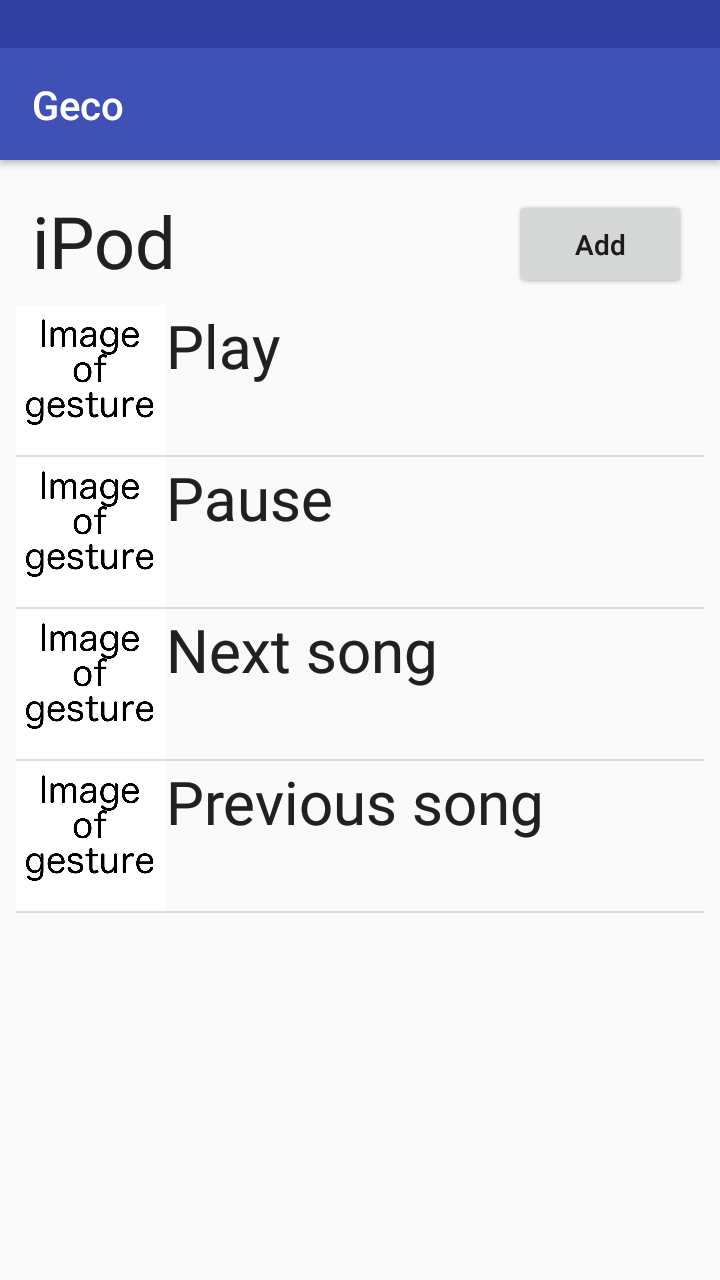
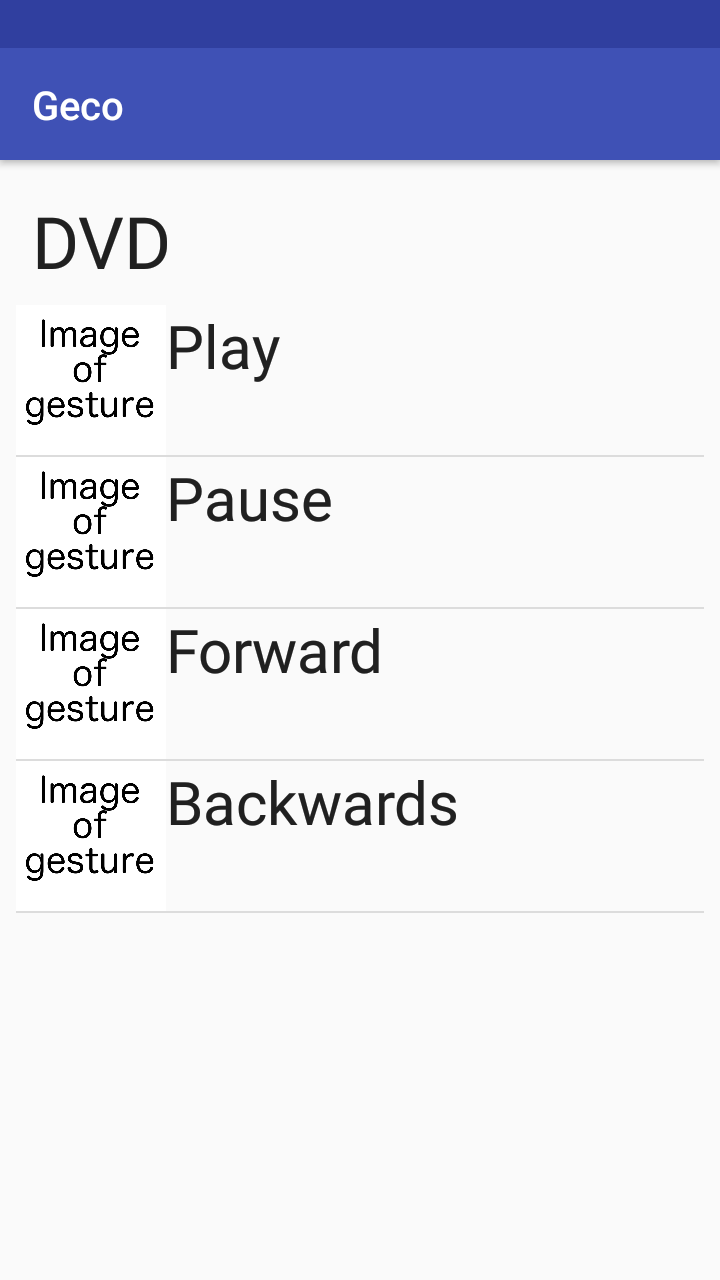
To modify gesture, the first thing to do is to click on one of the devices.
The next step is to click on one of the gestures of the device.
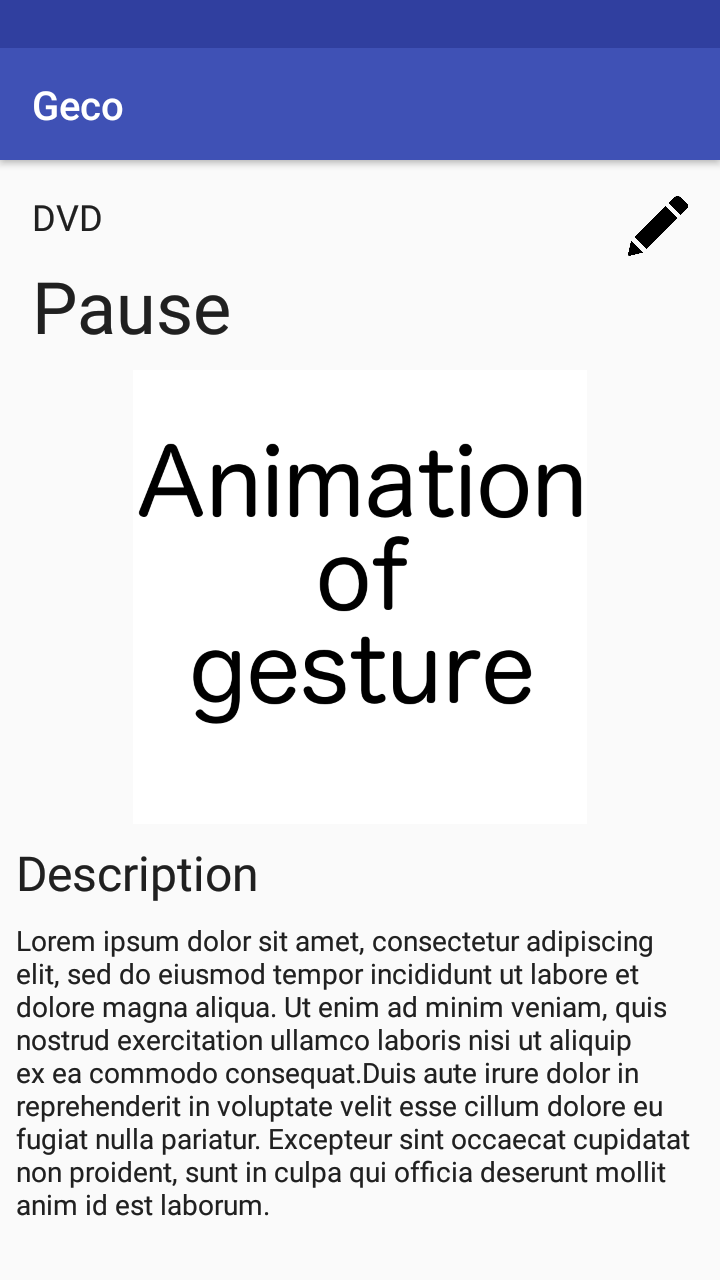
Now, click on the edit button on the top right corner.
The last step is to click on one of the available gestures.